Doxygen and Documentation Generation
Doxygen is a well known auto-documentation program for several different languages.
The program takes specifically formatted comments inside header and source files to generate HTML pages with links between related files, and searchable Latex documents.
More information about Doxygen can be found on the official Doxygen web-page.
Installing Doxygen
Doxygen is supported on most major operating systems. Install instructions for Doxygen can be found on its official downloads page
Basic Operation and Accessing Documentation
Doxygen uses a configuration file (Doxyfile) to control almost all aspects of its operation. A default configuration file can be generated by running doxygen -g in the command terminal.
After the configuration file has been created, documentation can be generated by running doxygen Doxyfile.
If successful, a html and latex directory should be in the directory where you ran Doxygen.
To view the HTML, you simply need to point any HTML browser to the index.html inside the generated directory(e.g. 'firefox /docs/html/index.html')
A hidden Doxyfile(.Doxyfile) is provided within the top-level directory of the Compass git repo template, to use it replace "Doxyfile" in the supplied commands with ".Doxyfile".
Configuring Doxygen
The Doxygen website contains detailed instructions for all the options inside the configuration file as well as several acceptable comment formats that it can parse. The rest of this document discusses the settings and formating we have commonly accepted in other project repositories.
Modifying the Doxyfile
The following settings should be made inside your Doxyfile, replace the value inside "" as necessary.
These should already be set if using the .Doxyfile included in the Compass template.
- OUTPUT_DIRECTORY = <relative path to documentation folder, "docs">
- EXTRACT_ALL = NO   (See note)
- EXTRACT_PRIVATE = YES
- EXTRACT_STATIC = YES
- EXTRACT_LOCAL_CLASSES = YES
- INPUT = <relative path to source code>
- RECURSIVE = YES
- EXCLUDE = "relative paths to folders you do not want to include"
- USE_MDFILE_AS_MAINPAGE = "README.md"
In addition you will need to add a project name and brief inside the Doxyfile. These are not set in the Compass template.
Once complete the resulting page will look like this:
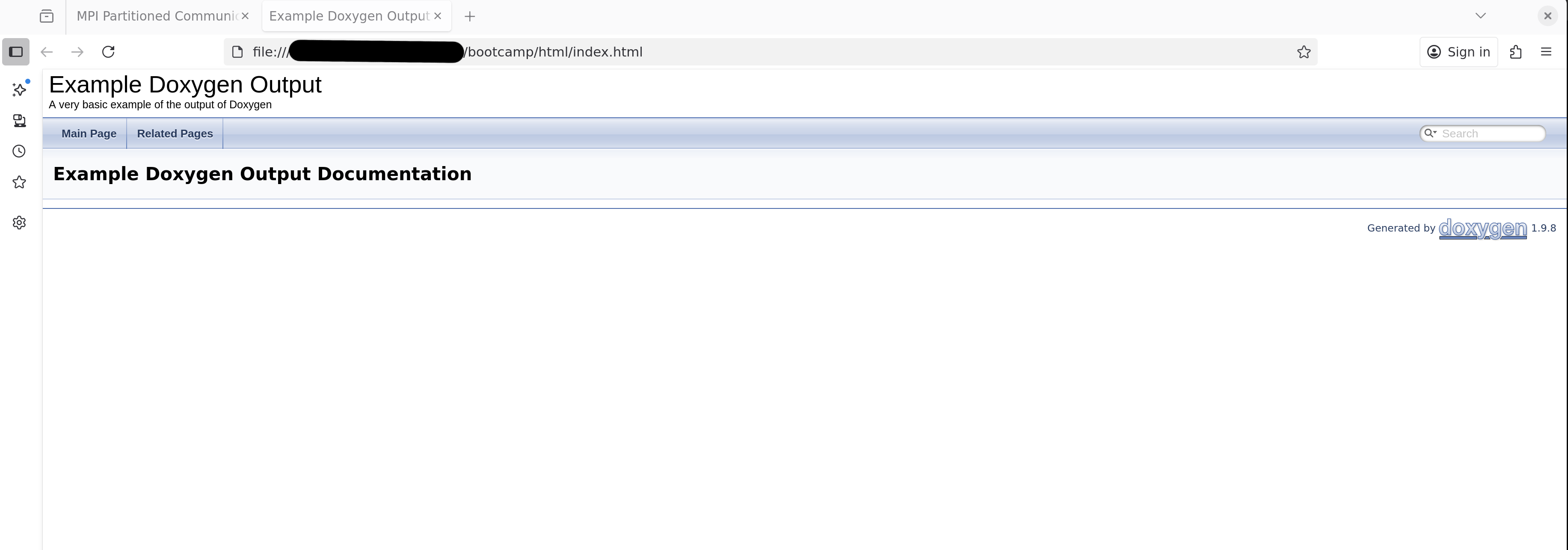
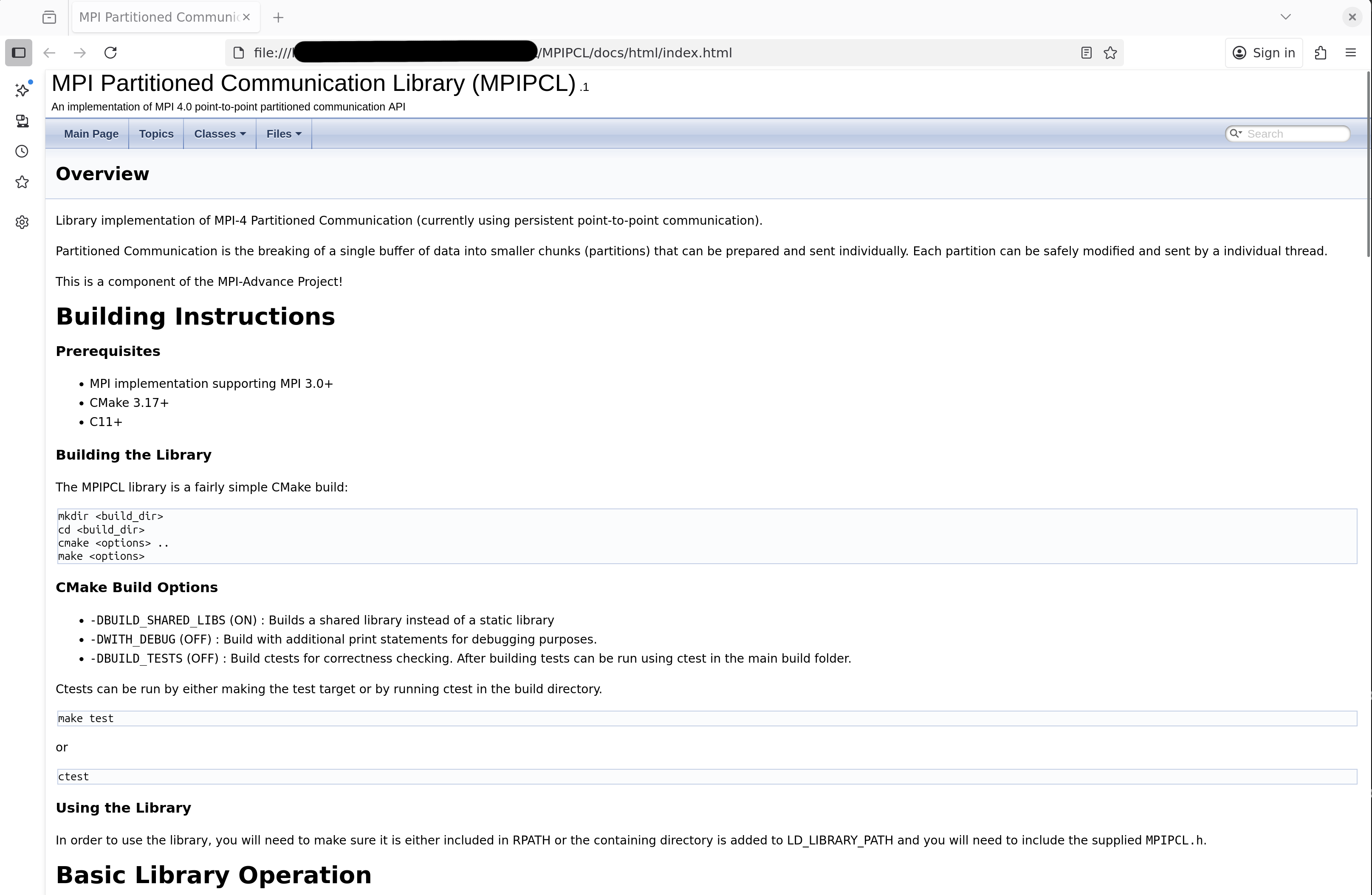
Not very interesting, but it will fill itself out as Doxygen comments get added to files, eventually you can end up with something like this.
Optional - Function Call-Graphs
Doxygen can also generate call graphs of functions in your project. This functionality requires the Graphviz package which can be installed by following the instruction on the Graphviz website or in Linux by running. sudo apt install graphviz.
The following options will turn on call graphs showing which functions call and are called by other functions. This is useful for users attempting to follow code execution. Requires that graphviz is installed and in your PATH variable.
- HAVE_DOT = YES
- CALL_GRAPH = YES
- CALLER_GRAPH = YES
These options will enable Doxygen to create 2D graphs of the calling dependencies between your functions and objects. Theses graphs are useful for visualizing dependencies between functions.
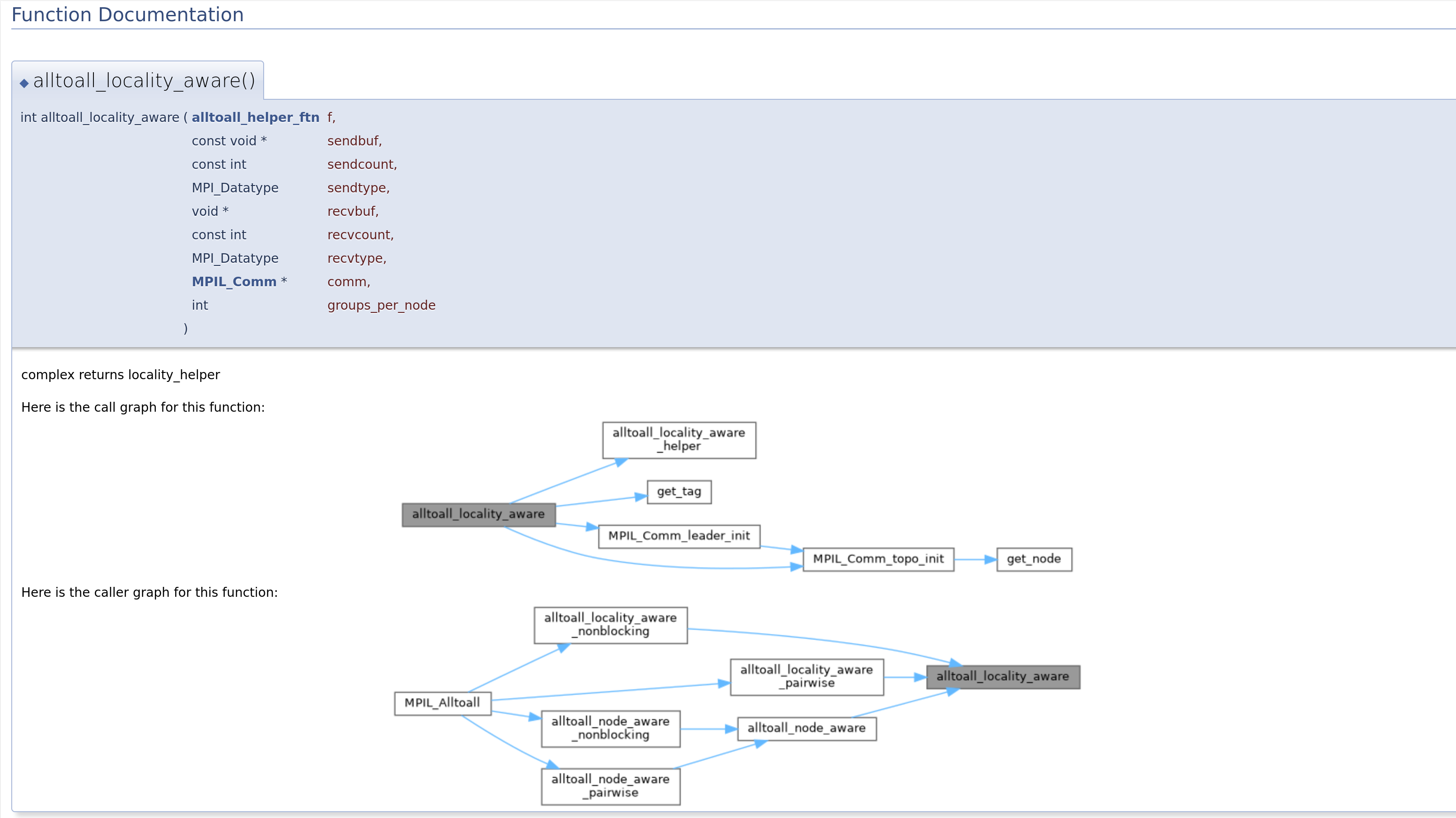
Graphs for individual functions can be toggled on and off by including the associated parameter inside the function's Doxygen comment block. See Doxygen manual for more details-Doxygen Manual - Diagrams.
Note on EXTRACT_ALL
If 'Extract_All' is turned on, Doxygen will extract information from all the input sources even if they lack Doxygen comments.
This is useful when adding documentation as references and links between functions and objects not yet documented can be viewed.
Note if EXACT_All is turned off, Doxygen will not cross reference files without doxygen comments. For source files without any other comments, you can add
\** @file <file_name> **\ at the top of ALL files that need to be included.
Gitignore
If not using the compass-template, add your 'OUTPUT_DIRECTORY' to your .gitignore. Doxygen produces a lot of files and overrites them each time it is run, including these files in the repo is pointless and severely bloats commits and pull requests.
Preferred Compass Doxygen Comment Format
In order to maintain consistency the following formatting of Doxygen comments is preferred when submitting code for inclusion to the project.
General Comment Format
Each Class, Struct, variable, and function should be documented, except those that are minimum functionality overrides of an external library.
General documentation is as follows:
    /** @brief - One/two lines max (try to make less than 90 chars)
     *  @details
     *  Start details on new line. use as many lines as necessary
     *  Note Doxygen will ignore line-breaks inside comments,
     *  Unless specifically marked by \n or <\br> escapes
     *  Leave an empty line after details are finished.
     *
     *  @param (in, out, in/out) name description.
     *  @return what function returns.
     **/
Everything should have at least a brief; details are only necessary if functionality is not fully covered by the brief:
/** @brief This class is an example
 *   @details
 *      This is an example of a class detail block.
 *      Important details about the class/struct
 */
class EXAMPLE_CLASS{
/** @brief Brief description of what the variable A is
 *  @details
 *    Any special details about variable A uses or behavior
 */
int A;

}
NOTE: Comments not following /**, //!, or other Doxygen markings will not be represented in the documentation. You are encouraged to use normal line documentation to improve internal readability of your code.
Enums
Each value in a ENUM should have a one line brief. If more detail is necessary, include it in the details section of the enum.
In order to avoid breaking up the ENUM, use the following format instead of the normal brief
/** \@brief enum brief
 *  \@details
 *  Details of use or any extra details about an option not covered in the internal brief.
 *
**/
enum EXAM{
    FIRST,  //!< brief of FIRST
    SECOND  //!< brief of SECOND
}
Functions and Parameters
Each argument and return value of a function should have a one line brief. Parameter formatting follows the structure
@param name brief and returns @return brief
List parameters in order of appearance in the function, with a very brief description of what the function is.
If additional details are needed on how a parameter is used they should be added in the details block of the function.
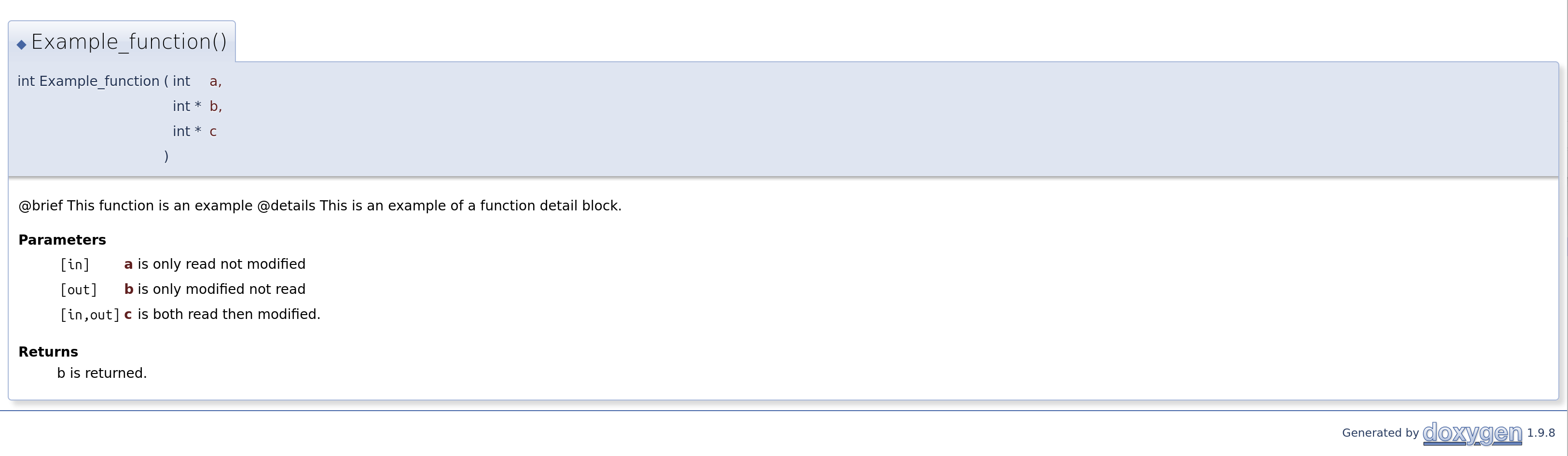
/** \@brief This function is an example
 *   \@details
 *   This is an example of a function detail block.
 *
 *  @param [in] a is only read not modified
 *  @param [out] b is only modified not read
 *  @param [in,out] c is both read then modified.
 *  @return b is returned.
 */
int Example_function(int a, int* b, int* c)
{
    &b = a+c;
    c = 2*b
    return b;
}
Overwrites and Function Pointers
For virtual functions that are overwritten by a concrete class or function pointers that have multiple different implementations, it may be more
convenient to document the original parameters where the type is defined and copy those into the documentation of the implementation.
Doxygen may do this automatically for virtual functions, for other cases the @copydoc function can be used.
@copydoc copies the entire comment block of the supplied function.
Groups
Group declarations consist of a standard @brief followed by details format.
Unless the group consists of members without documentation (such as MPI functions with minimal functional changes from the standard)
Each member should include @ingroup <group name> immediately after the details block.
/** @defgroup examples example_group
 *  @brief This is the an example brief
 *  @detail These are the group details
 */

/** @Brief example function.
 * @details
 *
 *
 * @ingroup examples
 */
 int example_function()
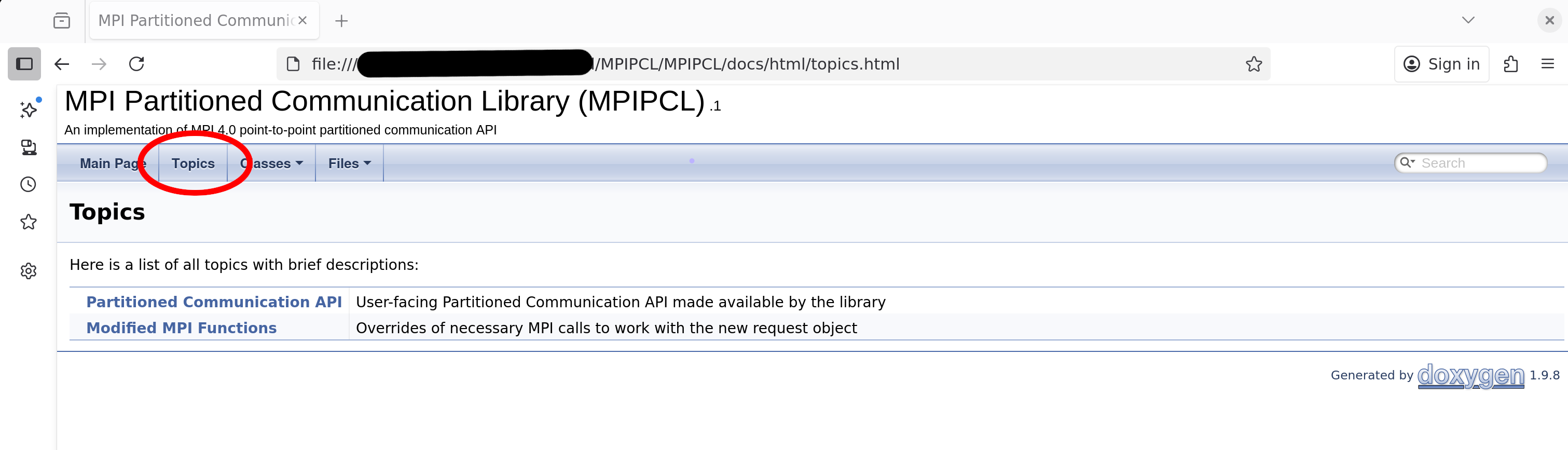
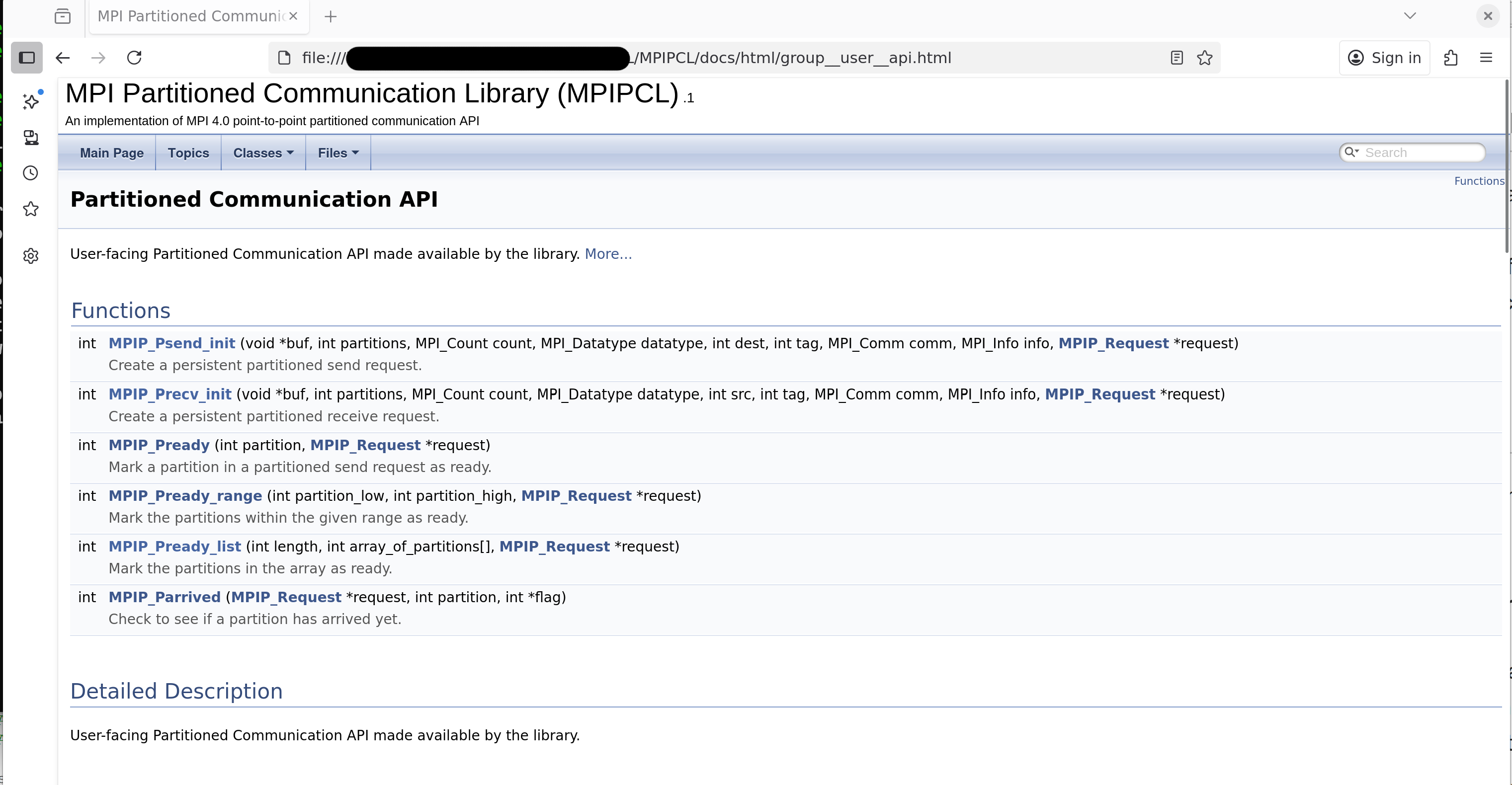
Group are useful when you have several functions that are related to each other in different areas of your code base.
Doxygen allows quick access to groups through the Topics tab.
Todo
In any doxygen comment you can leave messages using the /todo <message>. Doxygen makes a list of all generated todo comments in a related topics tab in the html output.